 Read More

 Get A Quote

From Pen to Pixel: Why Facilities Are Moving Past Paper Chart Recorders
Home / News / Industry News / From Pen to Pixel: Why Facilities Are Moving Past Paper Chart Recorders
Product Category
NEW Category
Contact us
Contact Us
We specialise in the research, development and manufacture of electrical wires and cables.
 +86 13967196545
Related News
- Applications of Paperless Recorders in Industrial Automation
- Why Does an Electromagnetic Flow Meter Show Flow in an Empty Pipe? (Causes & Troubleshooting)
- Synergizing Pangu Electromagnetic Flowmeters with Paperless Recorders: Precision Flow Control and Tamper-Proof Data Integrity
- Why Do Water Flow Meters Lose Accuracy and How Can You Fix Them?
From Pen to Pixel: Why Facilities Are Moving Past Paper Chart Recorders
Content
- 1 Why Paper Chart Recorders Are Losing Ground in Modern Facilities
- 2 The Hidden Cost of Manual Chart Documentation
- 3 How Digital Data Loggers Change the Documentation Workflow
- 4 Comparing Paper and Digital Systems Across Key Performance Metrics
- 5 Data Retrieval Speed: A Week in the Life of Two Recordkeeping Methods
- 6 Choosing the Right Digital Logging Setup for Your Facility
- 7 Common Pitfalls During the Transition and How to Avoid Them
- 8 Frequently Asked Questions
- 8.0.1 Q1: Do digital data loggers need a constant network connection to work?
- 8.0.2 Q2: How long does historical data typically stay accessible on a digital logger?
- 8.0.3 Q3: Can a facility replace recorders gradually instead of all at once?
- 8.0.4 Q4: What happens to existing paper archives after the switch?
- 8.0.5 Q5: Are digital loggers harder to maintain than paper recorders?
Why Paper Chart Recorders Are Losing Ground in Modern Facilities
Paper chart recorders have tracked temperature, pressure, and humidity in factories, cold storage rooms, and utility plants for decades. The pen-on-paper design was reliable in its time because it required no software and almost no training. But the same qualities that made it simple also made it slow, fragile, and increasingly out of step with how facilities are expected to document conditions today.
Ink dries out, paper jams, clocks drift, and charts get filed in binders that someone has to physically locate months later during an audit. As more industries move toward continuous monitoring and instant data access, the gap between what a mechanical recorder can offer and what a facility actually needs keeps widening. That gap is what pushes maintenance teams and quality managers to look seriously at paperless data loggers as a direct replacement.
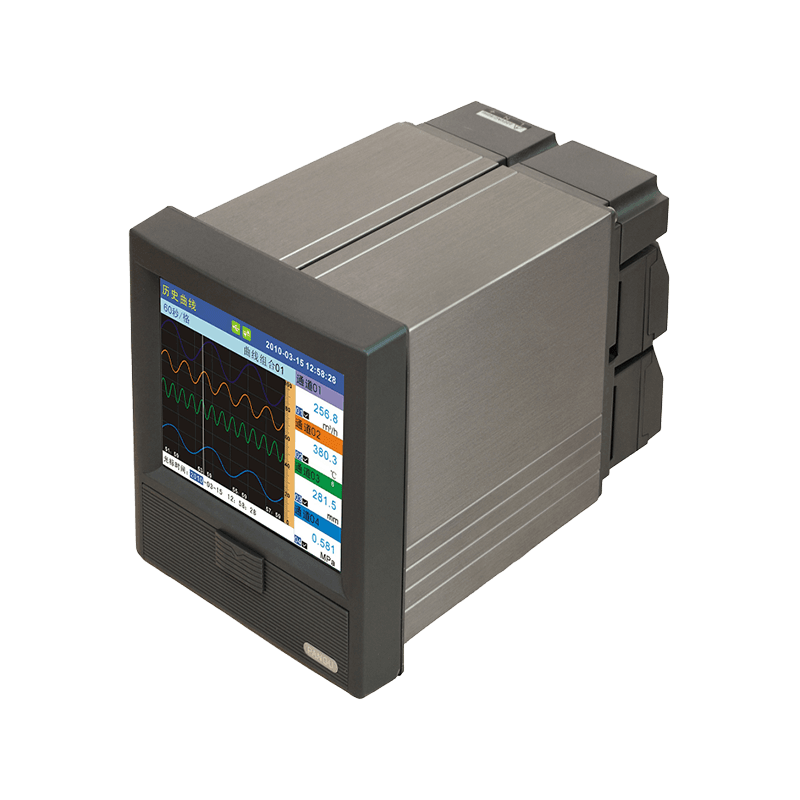
This article walks through the practical side of that transition: what the real costs of paper-based recording look like, how a digital workflow changes daily operations, and how to plan a changeover without disrupting production or compliance records.
The Hidden Cost of Manual Chart Documentation
On paper, a chart recorder looks like a one-time purchase. In practice, it carries a steady stream of recurring labor and material costs that rarely show up on a single line item, which is exactly why they tend to go unnoticed until someone adds them up.
4.5avg hours per week spent on chart changes and calibration checks per unit
18%of paper charts show gaps or illegible sections during audits
3xlonger to retrieve a specific historical reading from filed charts
The chart below breaks down where those hours typically go across a facility running a handful of paper-based recorders compared with a facility using digital units.
Manual transcription is the single largest gap between the two methods. Every time a technician copies readings from a paper chart into a spreadsheet or report, there is an opportunity for a misread number or a skipped entry, and that work has to be repeated for every recorder, every shift.
| Factor | Paper Chart Recorder | Digital Data Logger |
|---|---|---|
| Consumables | Paper rolls, ink cartridges | None |
| Data retrieval | Manual, chart by chart | Instant, searchable |
| Audit preparation | Hours to days | Minutes |
| Storage requirement | Physical archive space | Digital storage only |
How Digital Data Loggers Change the Documentation Workflow
The core difference is not just the removal of paper. It is the shift from a workflow built around a person checking a machine to a workflow where the machine reports to the person. A paper recorder produces a record that still needs a human to read, interpret, file, and eventually retrieve it. A digital logger produces a record that is already structured, timestamped, and ready to be pulled up on demand.
Because the record already exists in a structured format, the same data can trigger an alert if a reading drifts outside a set range, feed directly into a quality report, or sit ready for an auditor without anyone digging through a filing cabinet. That single change removes several manual steps that paper-based systems depend on, and each removed step is one less place where an error or delay can creep in.
Comparing Paper and Digital Systems Across Key Performance Metrics
No recording method is perfect for every situation, so it helps to look at the two approaches side by side across the factors that matter most in day-to-day operations rather than treating the comparison as a simple upgrade decision.
Digital systems pull ahead clearly on accuracy, speed, and scalability, since adding another monitoring point usually means adding another channel rather than another physical device to service. Paper recorders still hold a narrow edge on upfront cost and on durability in environments with no power access at all, which is worth acknowledging rather than glossing over. For most indoor industrial settings with existing power infrastructure, though, the balance tips firmly toward digital once the first-year maintenance savings are factored in.
Data Retrieval Speed: A Week in the Life of Two Recordkeeping Methods
Retrieval speed is often underestimated until a facility actually needs a specific reading from three weeks ago for a customer complaint or an internal investigation. The line chart below shows how long it typically takes to locate a single historical data point across a five-day work week, comparing a paper archive to a digital log with search functionality.
The paper line stays consistently high because every lookup requires physically locating the correct binder, flipping to the right date, and reading the chart by hand. The digital line stays low regardless of the day because a search query returns the reading in seconds, whether it is from that morning or several months earlier. That consistency matters most in situations where time pressure is already high, such as responding to a customer inquiry or preparing for an unannounced inspection.
Choosing the Right Digital Logging Setup for Your Facility
Not every facility needs the same type of unit, and choosing the wrong configuration is one of the more common reasons a digital rollout underdelivers. The bar chart below compares four common configurations by how many monitoring points they typically support, which helps frame the decision before looking at individual specifications.
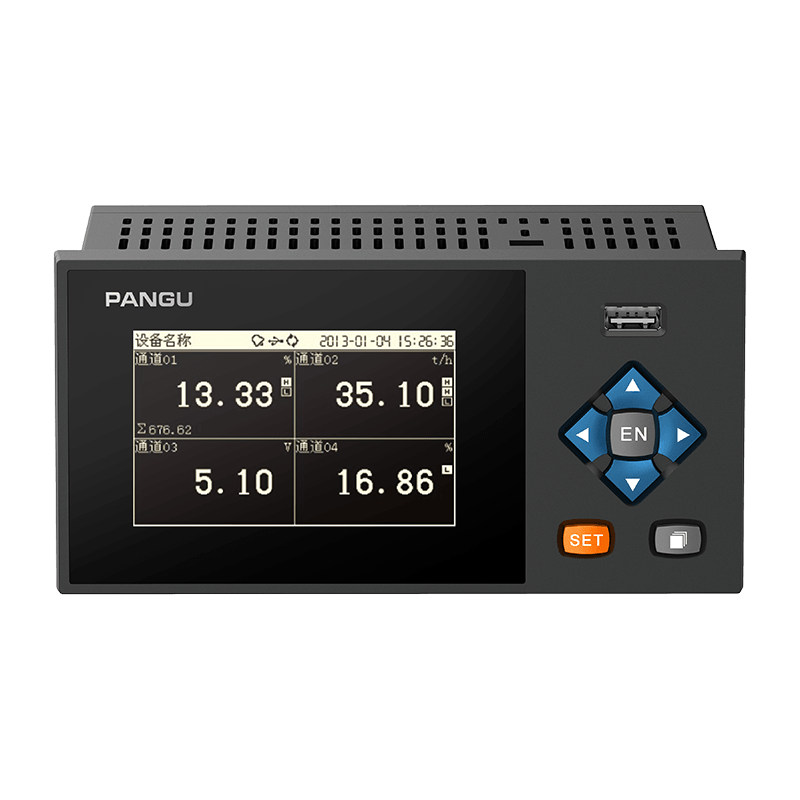
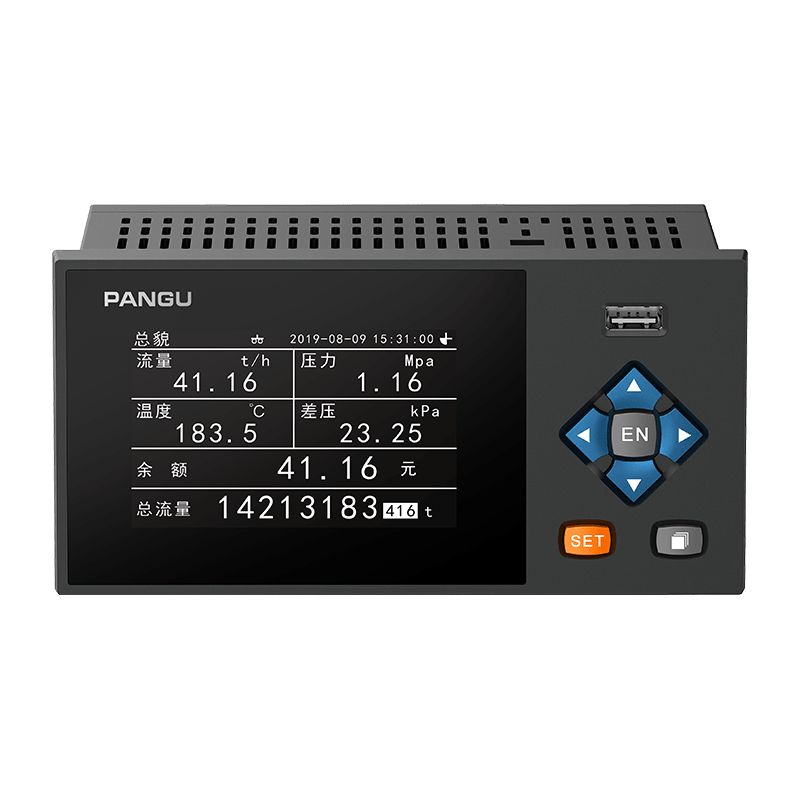
Facilities monitoring a single storage room or a single process line often do fine with a compact standalone unit. Larger operations with multiple zones, however, tend to outgrow single-point devices quickly and move toward industrial temperature data loggers mounted directly on control panels, since panel integration keeps wiring organized and puts the readout where operators already look.
Facilities with many simultaneous monitoring points, such as multi-zone cold storage or a production floor with several critical process stages, usually get better long-term value from multi channel data loggers that consolidate readings from many sensors into a single interface rather than managing a dozen separate standalone devices. A few practical factors to weigh before settling on a configuration:
- Number of distinct zones or process points that need continuous monitoring
- Whether readings need to feed into a shared network or stay on a standalone display
- Environmental conditions at the mounting location, including temperature range and dust or moisture exposure
- How far back historical data needs to be retained for compliance purposes
- Whether alerts need to reach a mobile device or only a local control room
Common Pitfalls During the Transition and How to Avoid Them
Switching from paper to digital recordkeeping is rarely a single afternoon of work, and rushing it tends to create more friction than the paper system ever did. The most frequent mistake is replacing recorders one at a time without a clear data retention plan, which leaves gaps between the old paper archive and the new digital log that are hard to reconcile later.
A digital rollout succeeds or fails based on planning, not on the hardware itself. The units are rarely the hard part; the transition plan is.
A second common issue is underestimating training time for staff who have relied on a visual paper trace for years. Even a well-designed digital interface takes some adjustment, and skipping that step often means old habits, like manually copying numbers into a separate log just in case, persist long after they are no longer necessary.
Plan data migration in advance Run parallel logging for a transition window Train staff on retrieval, not just setup Confirm backup power or battery coverage
Running paper and digital systems in parallel for a short transition window, typically two to four weeks depending on audit cycles, gives staff time to trust the new system before the paper backup is retired. It also creates a natural overlap period that closes any gap in historical records rather than leaving a hard cutoff date with no fallback.
Frequently Asked Questions
Q1: Do digital data loggers need a constant network connection to work?
No. Most units store readings locally and can operate independently of a network, syncing data whenever a connection is available. This makes them suitable for areas with intermittent connectivity, as long as local storage capacity matches the recording interval and retention period needed.
Q2: How long does historical data typically stay accessible on a digital logger?
Retention depends on storage capacity and how frequently readings are recorded, but most industrial units can hold months of continuous data locally, with longer retention available once records are synced to a network drive or server.
Q3: Can a facility replace recorders gradually instead of all at once?
Yes, and a gradual rollout is often the more practical approach. Starting with the highest-priority monitoring points allows staff to adjust to the new workflow before extending it across the rest of the facility.
Q4: What happens to existing paper archives after the switch?
Older paper charts are typically retained for whatever period local compliance rules require, then archived or digitized as scanned records. The transition does not require discarding historical paper documentation immediately.
Q5: Are digital loggers harder to maintain than paper recorders?
Generally the opposite is true. Digital units remove ink and paper consumables entirely, and most maintenance is limited to periodic calibration checks and battery or power supply verification, which takes less time than servicing a mechanical pen mechanism.
PREV:How Do You Choose the Right Magnetic Flow Meter for Your Process Fluid?
NEXT:The Backbone of Water Utility Operations: Why Flow Accuracy Drives Modern Municipal Networks
NEXT:The Backbone of Water Utility Operations: Why Flow Accuracy Drives Modern Municipal Networks
Interested in cooperation or have questions?
Contact Us Now!
Kelly

+86 13967196545

pangusales@vip.163.com
Production Base:

Building 1 and Building 42, No. 889 Huancheng North Road, Deqing County, Huzhou City, Zhejiang Province
Jiji
+86 15397010616
pgsalesjiji@vip.163.com

+86-0571-87770830
Corporate Headquarters:
602-702, Block D, Building 3, Area B,Xigang New Territories, 206 Zhenhua Road,Hangzhou City, Zhejiang Province, China

Copyright © Hangzhou Pangu Automation System Co., Ltd. Rights Reserved.
Custom Digital Panel Mount Industrial Instruments Suppliers
